Negative Keywords for Local Service Businesses: Cut the Job Seekers, Keep the Buyers
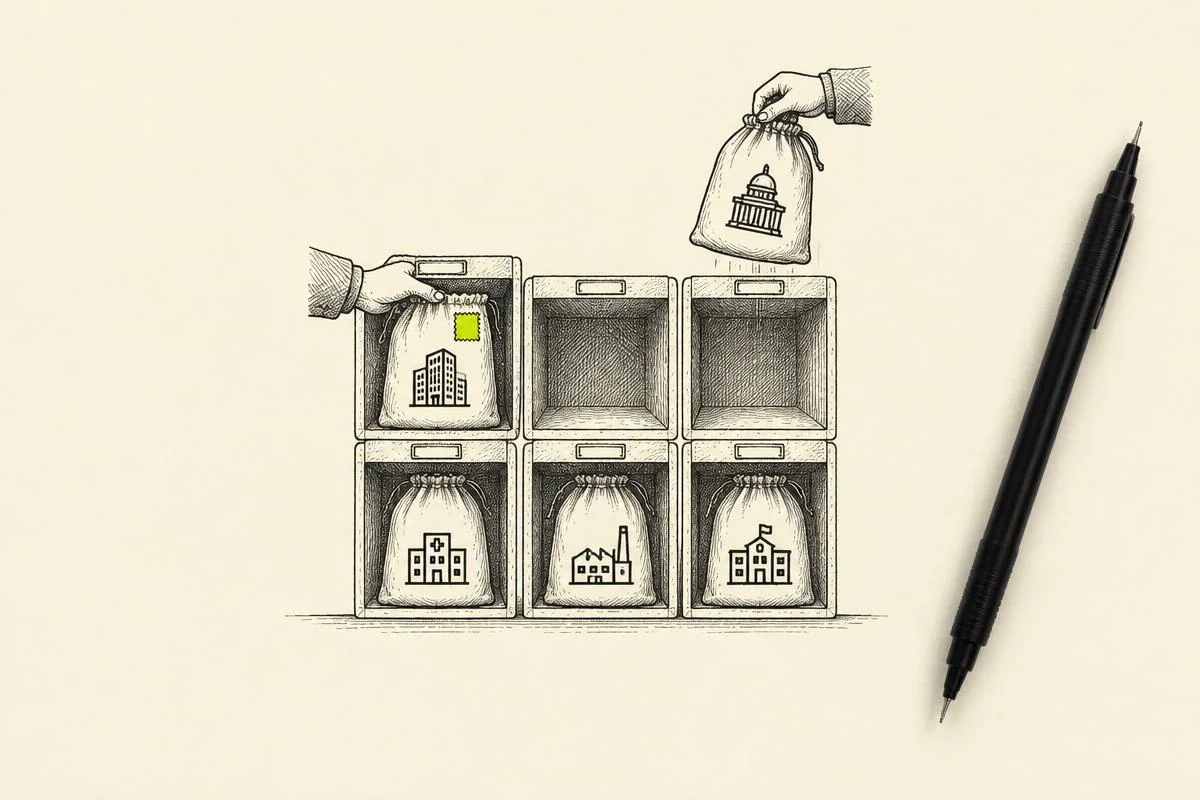
Local service accounts keep budget on real buyers when negatives are sorted by intent, shared across the right campaigns, and reviewed location by location.
· 6 min read

The short answer
Negative keywords for local businesses work best when they are sorted by intent: job seekers, do-it-yourself researchers, people looking for a service you skip, and searchers outside your service area. Put each group in its own shared list, apply it to the campaigns it fits, and review search terms location by location every week. Keep the searches that point to a buyer ready to switch providers, since they often look negative at first glance.
Fewer wasted clicks, more booked jobs, and a cleaner signal for bidding.
Why negatives matter more for local service accounts
A local service account pays for every click inside a small radius, so each irrelevant search takes budget from the people who could actually book. Dental groups, childcare centers, clinics and home service companies all attract a steady stream of searches that sound close to what they sell and lead somewhere else: someone looking for a job at the practice, a parent researching how to start a daycare, or a homeowner watching a repair video.
Google describes negative keywords as a way to exclude search terms so campaigns focus on the keywords that matter to customers. For a multi-location brand, that focus also keeps each location's results honest, since wasted clicks at one office can hide strong demand at another.
Seven moves to build negative keywords for local businesses
1. Sort every negative by intent
Start with the reason a search is wrong for you, then build the list. Four intent groups cover most local accounts:
- Job seekers: jobs, hiring, careers, salary, internship, resume.
- Do-it-yourself and research: how to, DIY, tutorial, course, certification.
- Wrong service: services the business skips, such as a specialty a dental office refers out.
- Wrong place: cities, neighborhoods and states outside the service area.
These terms are examples. Check each one against your own services before it goes live, because a word that wastes money for one business is a buyer term for another. "Training" is a job-seeker word for a plumbing company and a core service for a dog trainer.
2. Give each intent group its own shared list
Google Ads lets you save negatives in negative keyword lists and apply one list to many campaigns, so a new term added once reaches every campaign that shares it. Google allows up to 5,000 negative keywords per list and up to 20 lists per account. Separate lists by intent keep the logic easy to audit, and they make it simple to apply the job-seeker list everywhere while the wrong-service list goes only to the campaigns it fits.
Google Ads also supports one account-level negative keyword list, set in Account settings, which applies across eligible Search and Shopping inventory. Google caps that list at 1,000 terms. Reserve it for terms that are wrong for every campaign and every location.
3. Choose match types on purpose
Negative match types follow their own rules. According to Google:
- Negative broad match blocks a search that contains all of the negative's words, in any order.
- Negative phrase match blocks a search that contains the words in the same order, with other words around them.
- Negative exact match blocks only the exact search, with zero extra words.
Negatives skip close variants, so add singular and plural forms and common synonyms yourself. Google handles casing and misspellings automatically. Use phrase match for multi-word ideas such as "how to become," and exact match when you want to block one search and keep its longer, higher-intent versions open.
4. Review search terms location by location
A search term that wastes money at one location can convert well at another. One childcare center may offer infant care while the center across town starts at age two, and one dental office may place implants while a sister office refers them out. Review the search terms report for each location's campaign, keep location-specific negatives at the campaign level, and save the shared lists for terms that are wrong everywhere. The multi-location PPC strategy guide covers how to structure campaigns so each location reports on its own.
5. Keep the switcher searches
Some of the best local searches look negative at first glance: cancel, switch, alternative, compare, new provider. Search Engine Journal makes the case that adding "cancel" as a negative by default can exclude a searcher who is leaving a competitor and has yet to pick a replacement. For a local service business, these are people ready to change dentists, childcare centers or service companies. Before you add one of these words as a negative, read the full search and send real switchers to a page built for them. The guide to competitor keywords and switcher searches walks through that campaign.
6. Watch broad match and AI Max closely
Broad match and AI Max for Search reach searches your keyword list never named, which makes negative keywords part of everyday upkeep. Search Engine Land reported in October 2026 that Google Ads began rolling out a Search terms and ad combinations report for AI Max in some accounts. It shows the search term, the headlines and descriptions, the landing page and the match source together, so you can spot a search matched with the wrong message and refine negatives from there. The AI Max for Search lead generation guide covers the rest of the setup.
7. Judge negatives by booked jobs
Google notes that too many negative keywords can shrink the number of customers your ads reach. Add a negative when a search pattern brings clicks that never turn into calls, forms or bookings, and keep the ones that bring qualified leads even when the wording surprises you. That decision depends on clean conversion tracking, so count booked appointments, tours and jobs as primary conversions. The guide to primary vs. secondary conversions in Google Ads shows how.
A weekly negative keyword review
- 01Open the search terms report for each location's campaign and sort by cost.
- 02Tag each new wasteful term with its intent group and add it to the matching shared list.
- 03Add location-specific terms as campaign-level negatives.
- 04Read every cancel, switch and compare search in full before you exclude it.
- 05Check plurals and synonyms of each new negative.
- 06Compare qualified leads by location against last week to confirm the changes helped.
How SalesX manages negative keywords for multi-location accounts
SalesX builds negative keyword lists by intent for multi-location accounts, then reviews search terms location by location so each office, center or clinic spends on its own buyers. It is one part of a wider approach to reducing wasted PPC spend that also looks at geography, brand traffic and conversion quality. See the multi-location industry page for how SalesX runs accounts with many locations.
Want a senior strategist to pressure-test your account? Request a free X-Audit. It is built for U.S. advertisers spending $50k+ per month, and the analysis typically takes three to five working days after access is approved.
The bottom line
Negative keywords protect a local service budget when they follow intent: job seekers, researchers, wrong services and wrong places each get their own list. Review search terms by location, keep the switchers, and let booked jobs decide what stays.
Sources and further reading
- Google Ads Help, About negative keywords
- Google Ads Help, About negative keyword lists
- Search Engine Journal, Negative Signals, Positive Intent: PPC Leads Hiding In 'Cancel' Searches
- Search Engine Land, Google Ads adds Search terms and ad combinations report for AI Max
Related reading
FAQ
- What are negative keywords in Google Ads?
- Negative keywords exclude search terms from your campaigns so ads show for the searches that matter to your customers. A local service business uses them to keep job seekers, do-it-yourself researchers and out-of-area searchers away from its budget.
- What negative keywords do local service businesses need first?
- Start with four intent groups: job seekers (jobs, hiring, salary), do-it-yourself and research terms (how to, DIY, course), services the business skips, and places outside the service area. Check each term against your own services first, since one business's negative is another's buyer.
- How many negative keywords can a Google Ads account have?
- Google allows up to 5,000 negative keywords per shared list and up to 20 shared lists per account. The single account-level negative keyword list holds up to 1,000 terms.
- Do negative keywords block plurals and misspellings?
- Google handles casing and misspellings automatically, and negatives skip close variants, so add singular and plural forms and synonyms yourself.
- Is it smart to add "cancel" or "switch" as negative keywords?
- Read the full search first. Searches like "switch dentists" or "cancel [provider]" often come from people leaving a competitor, and a page built for switchers can turn them into strong leads.
- What does a free X-Audit cover for negative keywords?
- A senior strategist reviews the live account, including search terms and negative keyword lists, after you send the CID and approve the access request, and returns a 30- to 50-page analysis. It is free for U.S. accounts spending $50k+ per month and typically takes three to five working days after access is approved.
Next step
Want this analysis run on your account?
SalesX audits Google Ads programs spending $50k–$500k+ per month and returns a prioritized roadmap, not a checklist.
Request a Free X-Audit