Offline Conversions in the Wrong Google Ads Account: Fix It for Multi-Location Brands
When one upload file hits several Google Ads accounts that share a conversion action name, CRM sales can show up on the wrong brand. Segment uploads, rename actions, or move tracking to the manager account.
· 7 min read

The short answer
Search Engine Land reported on November 5, 2026 that offline conversion uploads can appear in Google Ads accounts other than the one that earned the click or call. The pattern shows up when one import file targets several accounts that share the same conversion action name. A "Successful" or "#OK" upload status also fails to prove Google counted the conversion in reporting. For multi-location dental groups, childcare brands and clinics, the fix is simple: upload each sale only to the account that earned the click, give each account a unique conversion action name, or run conversion tracking from the manager account.
Clean CRM feedback belongs with the office that earned the lead.
Why multi-location brands feel this first
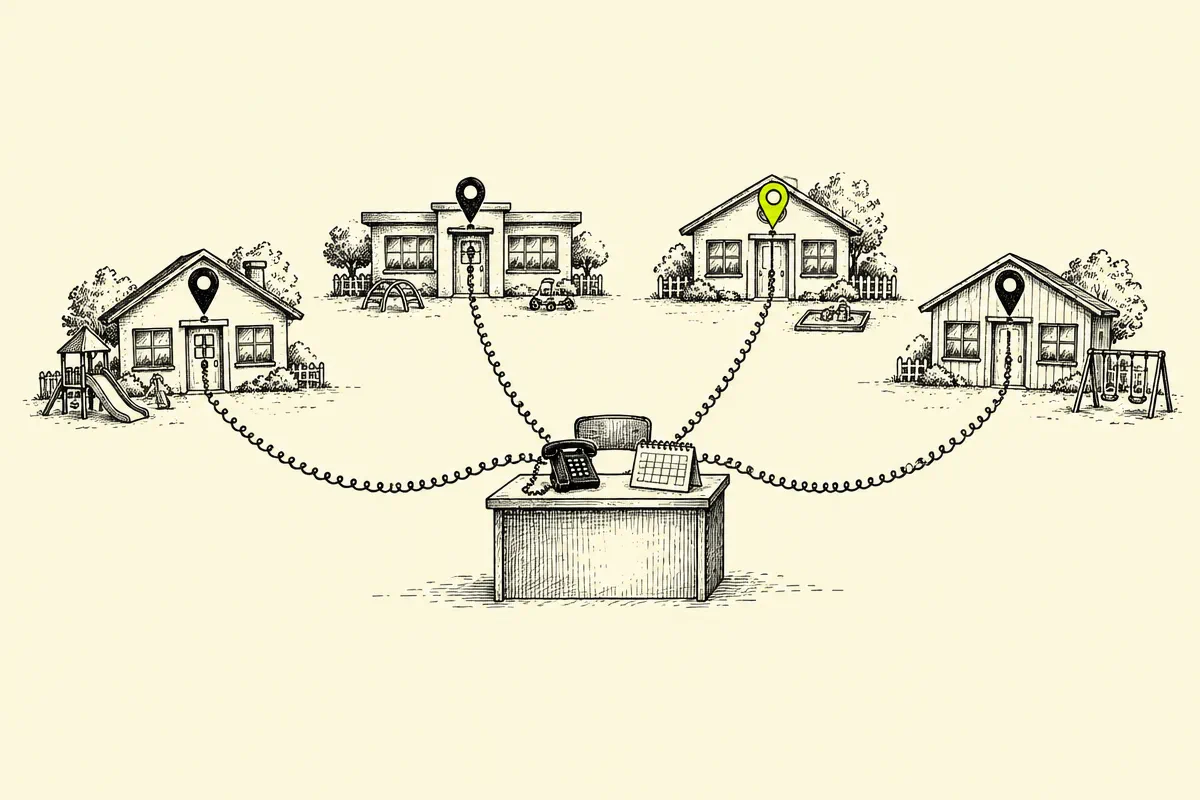
Dental groups, childcare operators and clinic chains often run one Google Ads account per brand, region or location under a single manager account. CRM teams then push booked visits, enrollments and new-patient sales back into Google Ads so Smart Bidding learns which searches and locations produce revenue.
That workflow saves time when one file covers every account. Search Engine Land found the same workflow can also place a conversion on an account other than the one that earned the click, which muddies cost per conversion and makes location comparisons harder to trust. Our multi-location PPC strategy starts with clean location-level measurement for the same reason.
What Search Engine Land found
Search Engine Land worked a multi-brand advertiser with one standalone Google Ads account per brand under one manager account. Each child account used a conversion action with the same name, and sales data went back through offline conversion uploads. Specific GCLIDs were accepted by more than one ad account.
Two behaviors matter for operators:
| Behavior | What Search Engine Land reported |
| Wrong-account acceptance | An upload that uses a matching conversion action name can be accepted in an account other than the one that earned the GCLID or phone call |
| Upload status vs. counted conversions | "Successful" in the interface and "#OK" in the download mean the row was readable; later attribution can still drop the conversion |
Search Engine Land says Google Support described the wrong-account acceptance as expected behavior when the conversion action name exists in the account receiving the upload. Historically, Google accepted the GCLID only in the account that generated the click and rejected it elsewhere.
Does this inflate Conversions and change bidding?
Search Engine Land reports seeing conversions in the UI of accounts, tied to campaigns other than the ones that earned those clicks. That overstates Conversions and cost per conversion for the wrong brand.
On bidding, Search Engine Land says Google Support told them these conversions stay out of Smart Bidding, with bidding credit going only to the campaign that generated the click. Search Engine Land also notes they have yet to independently confirm that bidding claim. Until your own tests settle it, treat the Conversions column as the place that can look wrong even when bidding credit stays with the original click.
3 ways to keep offline conversions in the right account
Search Engine Land lists three practical options. Pick one and apply it across every brand under the manager account.
1. Segment uploads by the account that earned the click
Build the import file so each row goes only to the Google Ads account that produced the GCLID or call. Split the CRM export by account ID before the upload. This is the most direct fix for agencies and multi-brand teams that still keep a conversion action in each child account.
2. Give every account a unique conversion action name
If "Purchase," "Booked visit" or "Enrollment" appears under the same label in every child account, rename each action so the name is unique per brand or location. Match that exact name in the upload file. A shared name is the condition Search Engine Land ties to wrong-account acceptance.
3. Use cross-account conversion tracking at the manager level
Google Ads Help describes cross-account conversion tracking: the manager account owns the conversion actions, and child accounts share them. One conversion action definition, one place to audit names, and fewer duplicate labels across brands. Pair this with our offline conversion import guide so CRM fields map cleanly into the manager-level action.
How to verify Google actually counted the upload
Search Engine Land's second finding is just as important as the wrong-account issue: a Successful or #OK status only confirms the file was structured correctly, the conversion action exists and the GCLID exists. Full attribution runs later.
A weekly reconcile keeps you honest:
- 01Log every unique GCLID (or call ID) you submit, with the account ID and conversion action name.
- 02Upload only new conversions; leave duplicates out of the file.
- 03Compare upload counts with conversions reported by conversion time in Google Ads, allowing for click-to-sale lag.
- 04Spot-check a sample of GCLIDs in the account that owns them, and confirm they are absent from sibling brands.
- 05Review the All Conversions tab so primary and secondary actions stay clear while you audit.
For example, if you upload 100 rows and 90 show Successful, yet only 60 appear in the account by conversion time, your real acceptance rate is 60 percent. That gap is the signal to fix names, segmentation or lag assumptions.
A weekly operating rhythm for multi-location CRM imports
- 01Monday: export CRM sales closed in the prior week, tagged by Google Ads account ID and location.
- 02Same day: build one file per account (or one manager-level file if you use cross-account tracking).
- 03After upload: archive the file and the GCLID log with the date.
- 04Midweek: reconcile counted conversions by conversion time against the log.
- 05Friday: flag any GCLID that landed in a sibling account and fix the name or split before the next upload.
Dental and childcare teams that already track calls by location can fold this into the same cadence as call tracking for multi-location businesses. Phone leads and form leads belong in the same account story.
How SalesX keeps offline conversion data trustworthy
Every SalesX X-Audit maps the path from click to booked visit, including how offline conversion imports are built, named and reconciled across locations. For multi-location and healthcare accounts we check whether conversion action names collide across child accounts, whether uploads are split by account and whether counted conversions match the CRM. Our multi-location Google Ads team and dental Google Ads team treat CRM feedback as a bidding input, so the wrong account is a measurement failure worth fixing early.
A multi-location dental group (DSO) we partner with under NDA saw 40–50% more leads at the same ad spend within 60 days, and 80% of those leads became new patient visits.
Want a senior strategist to pressure-test your offline conversion setup across every brand under your manager account? Request a free X-Audit. It is built for U.S. advertisers spending $50k+ per month, and the analysis typically takes three to five working days after access is approved.
Request a free X-AuditThe bottom line
Offline conversion imports only help Smart Bidding when each sale sits in the account that earned the click. Segment the upload, make conversion action names unique, or move tracking to the manager account, then reconcile Successful uploads against conversions that actually appear in reporting.
Sources and further reading
- Search Engine Land, Google Ads may count offline conversions in the wrong accounts
- Google Ads Help, About cross-account conversion tracking
- Google Ads API, Manage offline conversions
- Google Ads API, Conversion tracking overview
Related reading
FAQ
- Can offline conversions appear in the wrong Google Ads account?
- Search Engine Land reported that an offline conversion upload can be accepted in an account other than the one that earned the click when several accounts share the same conversion action name and receive the same batch upload.
- Does a Successful or #OK upload mean Google counted the conversion?
- Search Engine Land reports Google Support said those statuses only confirm the row was readable. Attribution checks run later, so compare uploads with conversions that appear by conversion time.
- How do I keep offline conversions in the right account?
- Upload each sale only to the account that earned the click, give each account a unique conversion action name, or use cross-account conversion tracking at the manager level as described in Google Ads Help.
- Do wrong-account conversions change Smart Bidding?
- Search Engine Land says Google Support claimed those conversions stay out of Smart Bidding while still showing in the Conversions column. Search Engine Land notes that claim is still unverified on their side.
- Who feels this issue most?
- Multi-brand and multi-location advertisers that upload one CRM file into several Google Ads accounts under a manager account, especially when every child account uses the same conversion action name.
Next step
Want this analysis run on your account?
SalesX audits Google Ads programs spending $50k–$500k+ per month and returns a prioritized roadmap, not a checklist.
Request a Free X-Audit